
Skip to content
ZAZapier logo
Decision toolAutomation & workflows

Zapier

Automate common cross-app tasks through a large connector ecosystem.

Evaluate before custom build

Zapier connects third-party apps using event-based workflows, triggers, actions, AI steps and a broad catalog of connectors.

Official website previewzapier.com

Zapier

Visual preview loaded from the official website.
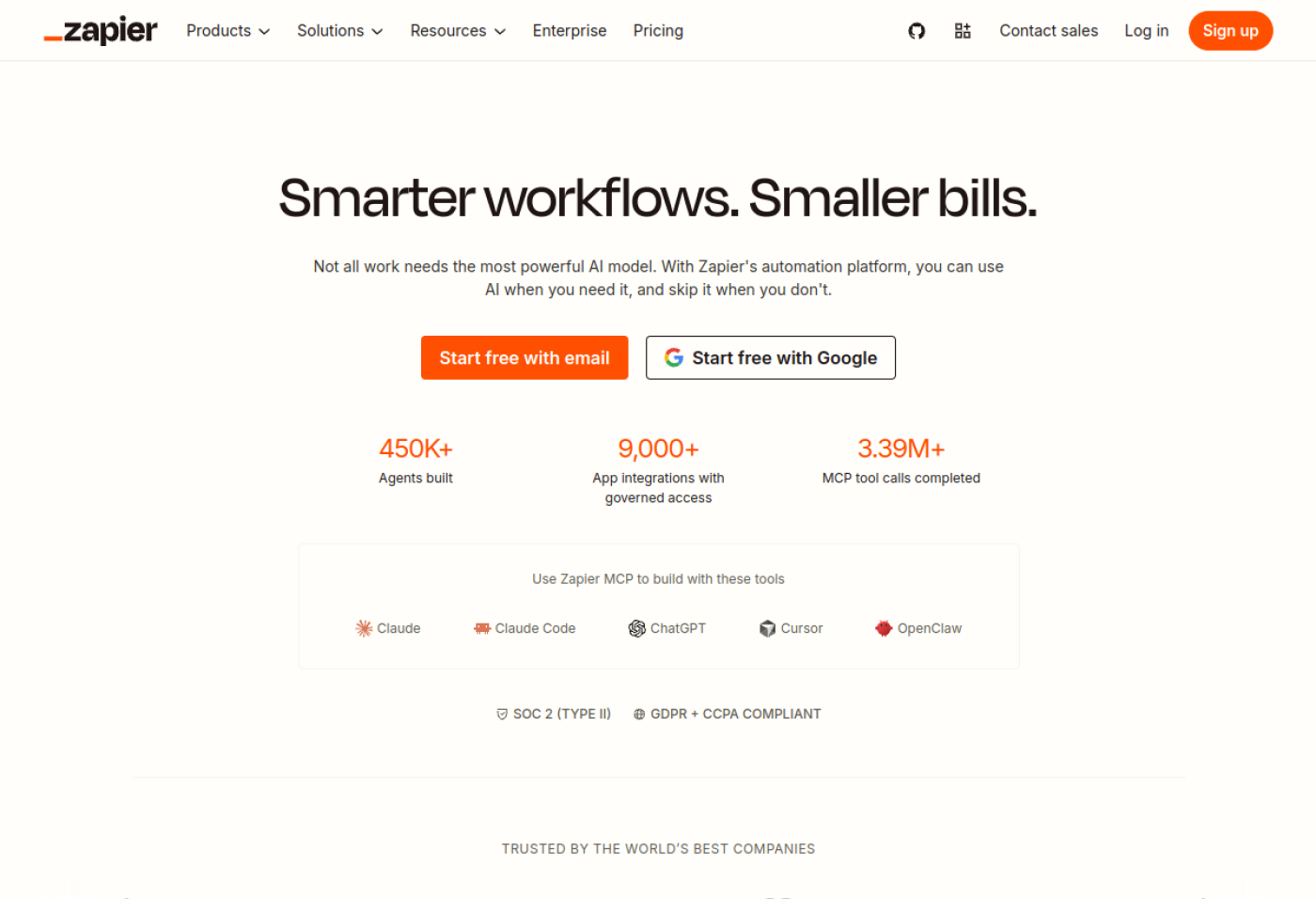
Preview of the Zapier official website

Decision summary

Evaluate workflow automation before commissioning a bespoke automation application.

Decision fit

Useful for standard SaaS processes. Compare it with n8n or a dedicated integration when complexity, recoverability or variable task costs are material.

Buyer's assessment · Official vendor sources

How to evaluate Zapier before requesting a quote

What the vendor documents

Zapier documents workflows built with triggers, actions, AI steps and third-party app connections. Exact integrations, task limits and governance controls depend on the selected plan.

When to consider this option

Useful for connecting standard SaaS applications quickly. Compare with n8n or a dedicated integration when reliability, variable task costs or business rules become critical.

Buy, integrate or build?

For standard cross-app tasks, test a short automation first. For complex business rules, high task volumes or strict recovery requirements, compare workflow platforms and bespoke connectors on total operating cost.

Four questions for the product demo

  1. 01Are the exact triggers and actions we need available in our plan?
  2. 02How many paid tasks will the real workflow generate each month?
  3. 03What retry, error-handling and rate-limit controls exist?
  4. 04Who owns app credentials, process logs and sensitive data?
Vendor documentation reviewed on 17 November 2026: Zapier — product documentation ↗. These documented product features are not a substitute for real-world testing or an independent audit.

What it can cover

  • ✓Connect SaaS apps, APIs and databases
  • ✓Trigger conditional workflows
  • ✓Transform and route data
  • ✓Insert AI steps into business processes
  • ✓Automate repetitive operational work

When it may be enough

  • ✓The problem can be expressed as a workflow with clear steps and exceptions
  • ✓Systems are accessible through connectors or APIs
  • ✓A bespoke user interface is not essential
  • ✓The team can own and maintain the automation

When custom may make more sense

  • ×The business logic is becoming a product in its own right
  • ×User experience must be highly bespoke
  • ×Scale or performance exceeds what an iPaaS is practical for
  • ×The company needs end-to-end control of the architecture and codebase

Quick comparison

Zapier compared with nearby alternatives

This is an editorial positioning comparison, not a ranking. Verify current plans, integrations and commercial terms directly with each vendor.

CriterionZapierMaken8n
TypeAutomation / iPaaS / low-codeAutomation / iPaaS / low-codeAutomation / iPaaS / low-code
ComplexityModerateModerateModerate
DeploymentCloud; self-hosting is available for some productsCloud; self-hosting is available for some productsCloud or self-hosted
Pricing modelFreemium, subscription or usage-basedFreemium, subscription or usage-basedSelf-hosted and cloud options; verify current pricing

Strengths

  • ✓Fast implementation
  • ✓Broad connectivity
  • ✓Flexible orchestration
  • ✓Strong prototyping layer

Watchouts

  • ×Workflow sprawl can become technical debt
  • ×Governance is necessary
  • ×Execution costs can scale
  • ×Complexity rises with large estates

Integrations and environment

What to verify around Zapier

APICRMEmailDatabasesLLMsSaaS